Reservete
Reservete
Back to Blog
desk booking software
workspace management software
buyer guide

How to Choose Desk Booking Software (2026 Buyer's Guide)

Sara

Head of Sales, Reservete
|
Published Thursday, September 24, 2026Updated September 24, 2026
How to Choose Desk Booking Software (2026 Buyer's Guide)
A practical buyer's guide to desk booking software: the features that matter, pricing models, the questions to ask vendors, and a 30-day pilot plan.

The short answer

Choose desk booking software on the unit you pay for, the rules it can enforce, and how fast an employee can book. Everything else is secondary. For most hybrid teams that means per-desk pricing, check-in with auto-release, interactive floor plans, and a one-tap mobile app.

The five features that actually matter

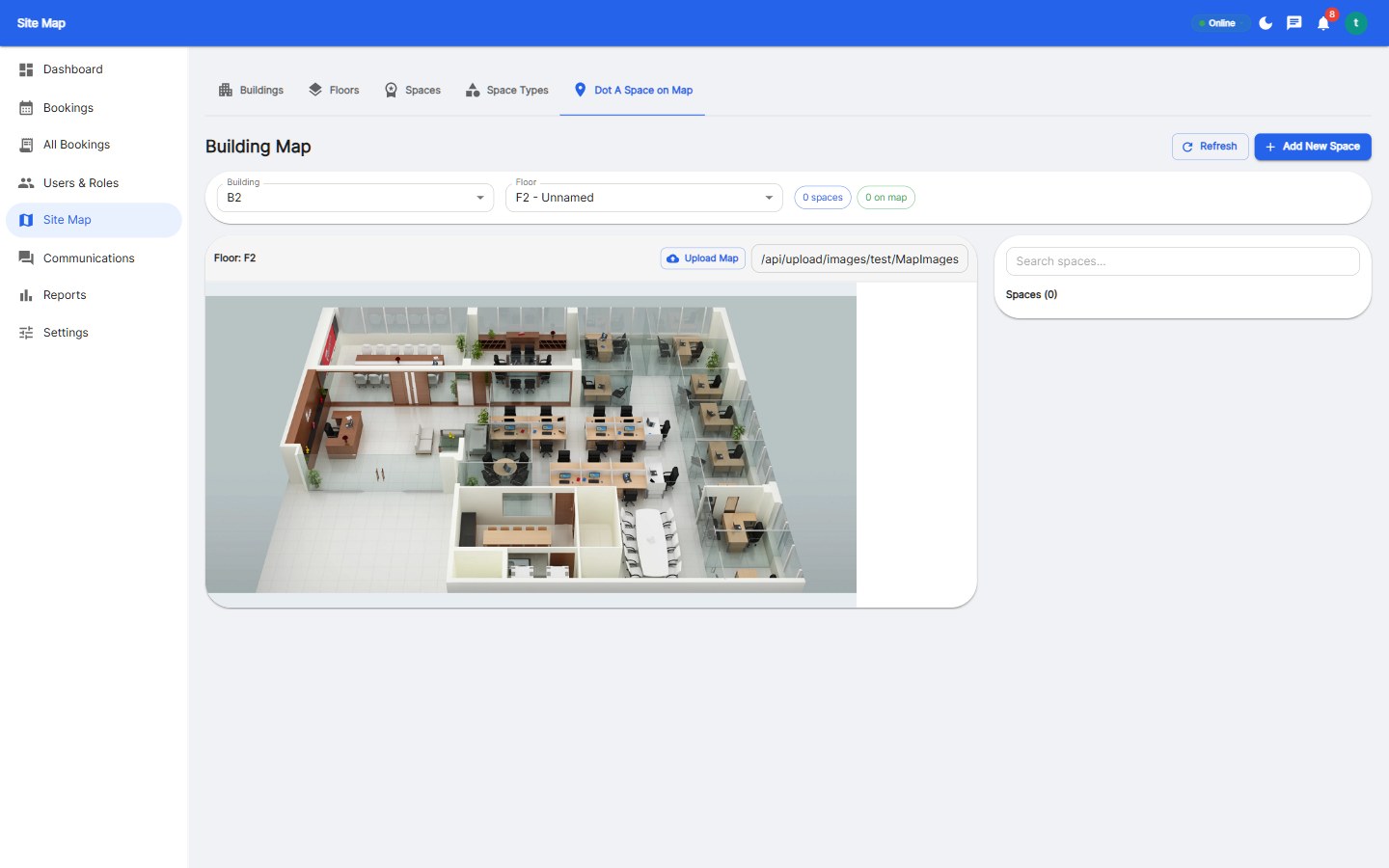
  1. Interactive floor plans. A visual map is faster than a list and shows where teams are sitting. Non-negotiable for offices above one floor.
  2. Check-in with auto-release. The single most effective way to cut no-shows. Without it, utilisation data is unreliable.
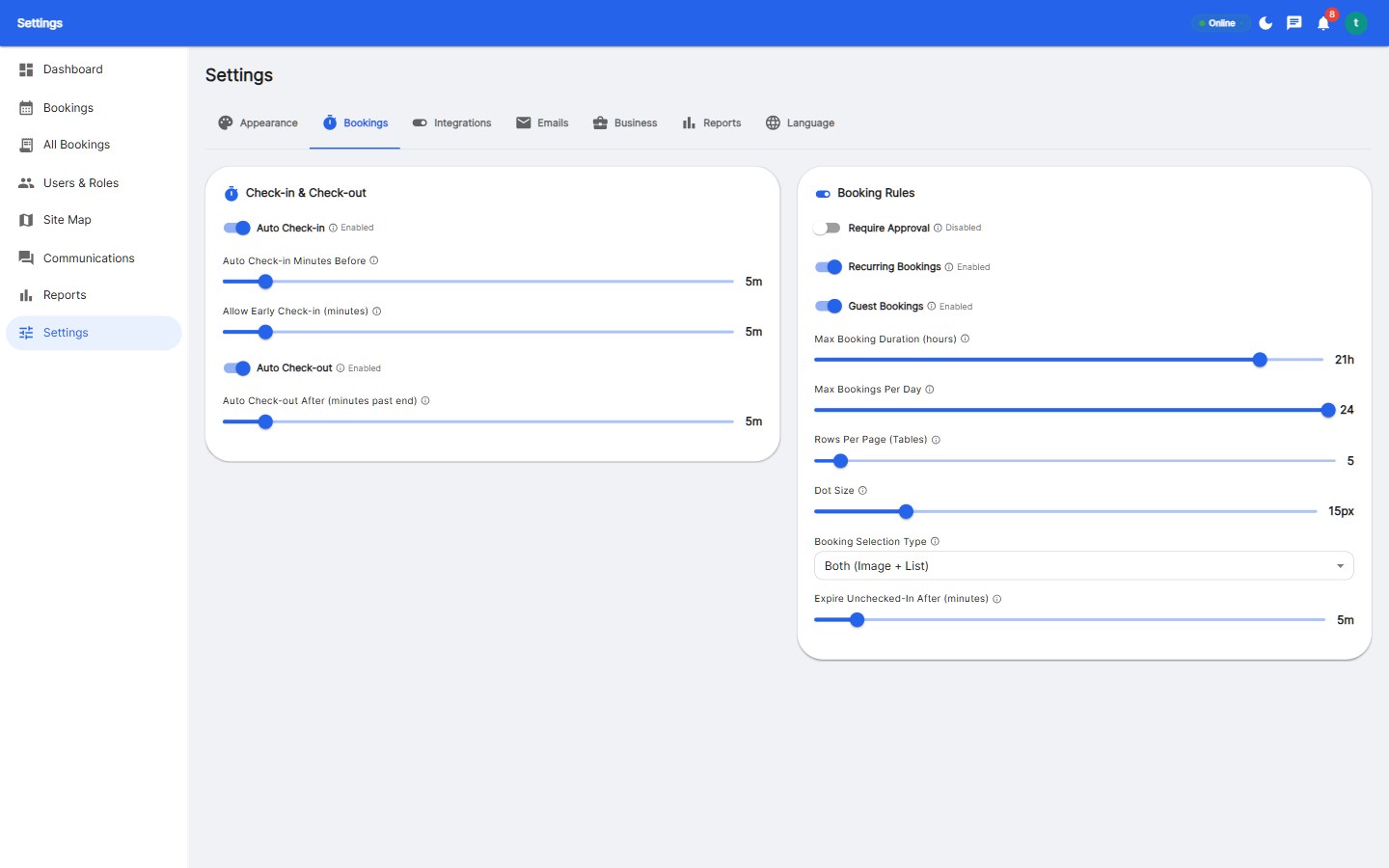
  3. Rules engine. Booking windows, weekly limits, approvals and anchor-day guarantees — configured, not policed manually.
  4. One-tap mobile app. Adoption collapses when booking takes more than a few seconds.
  5. Integrations. Two-way calendar sync (Microsoft 365, Google), SSO, and an API for HR and reporting.

Pricing models compared

ModelTypical priceBest for
Per user$2–$6 / user / monthHigh desk ratios, few spaces
Per desk / workspace$15–$40 / desk / monthHybrid teams below 1:1 ratio
Per site (enterprise)CustomLarge multi-site campuses

If you are hybrid and reducing your footprint, per-desk pricing aligns cost with the space you actually manage. Full breakdown: desk booking software pricing.

Questions to ask every vendor

  • What is the all-in price including implementation, SSO, API and hardware?
  • What is the minimum seat count, and the renewal uplift?
  • Can we configure booking windows, limits, approvals and auto-release ourselves?
  • How is check-in done, and how fast is it on mobile?
  • What reports do we get out of the box, and can we export them?
  • What happens to our data if we leave?

How to run a 30-day pilot

  1. Pick one floor and one team with mixed attendance.
  2. Map desks, rooms and parking so the pilot reflects reality.
  3. Track two metrics weekly: no-show rate and active users. Add utilisation by week two.
  4. Run a two-minute feedback survey after week two and act on the top friction point.
  5. Decide on evidence: rising usage plus falling no-shows means the tool fits. See comparison page to compare platforms.

Where teams usually get it wrong

  • Buying on headline price without normalising the unit and add-ons.
  • Skipping check-in, then blaming the tool for high no-shows.
  • Not setting team zones, so shared seating feels random.
  • Rolling out company-wide before the policy is clear — a ready hot desking policy template avoids this.

Reservete licences per workspace and includes Reservete features with floor plans, desk and room booking, parking, guests, approvals and analytics, with transparent pricing and a free 30-day trial.

Frequently Asked Questions

What is desk booking software?

Desk booking software lets employees reserve a specific desk for a day, usually via a floor plan, with rules such as booking windows, check-in and auto-release, plus analytics on how space is used.

How much does desk booking software cost?

Most platforms cost $2–$6 per user per month or $15–$40 per desk per month. Per-desk pricing is usually cheaper for hybrid teams running below a 1:1 desk-to-employee ratio.

What is the most important feature to evaluate?

Check-in with automatic release. It is what makes utilisation data reliable and reduces no-shows, and it is the feature most often missing from free or basic tools.

Is free desk booking software good enough?

For a small team trialling the concept, possibly. For managing real estate decisions, security and reporting, free tools usually lack floor plans, SSO, audit trails and reliable analytics.

How long does implementation take?

A cloud platform with self-service setup can be live on one floor in days. Map your spaces, import users, set the rules, and invite the pilot team.

desk booking software
workspace management software
buyer guide
Back to Blog

Related Articles

Reservete
Reservete

Enterprise workspace management platform. Book desks, meeting rooms, and parking spots in seconds.

Product

Features

Pricing

Compare

ROI Calculator

Stay up to date

Get product updates and workspace tips.

© 2026 Reservete. All rights reserved.