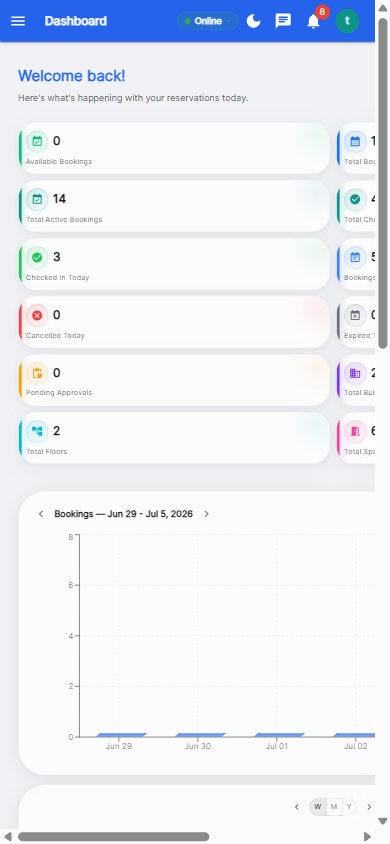
Desk booking is the process of reserving a specific desk for a specific day, usually through an app or web portal, instead of keeping permanently assigned seats. In a hybrid office it is the difference between desks that sit empty half the week and a floor that runs predictably at 60–75% utilization.
Desk booking is the practical answer to a simple problem: when attendance changes day to day, fixed seating wastes space and shared seating creates a scramble. Booking adds a layer of order — everyone can see what is free, reserve what they need, and release what they do not use.
Hybrid offices typically run at 40–55% average desk utilization, and meeting rooms sit empty up to a third of the time. Without a booking layer that causes three expensive problems:
Booking fixes all three, because it makes demand visible and space reusable. The benchmark ranges we see across customers are in the 2026 hybrid office benchmark report.
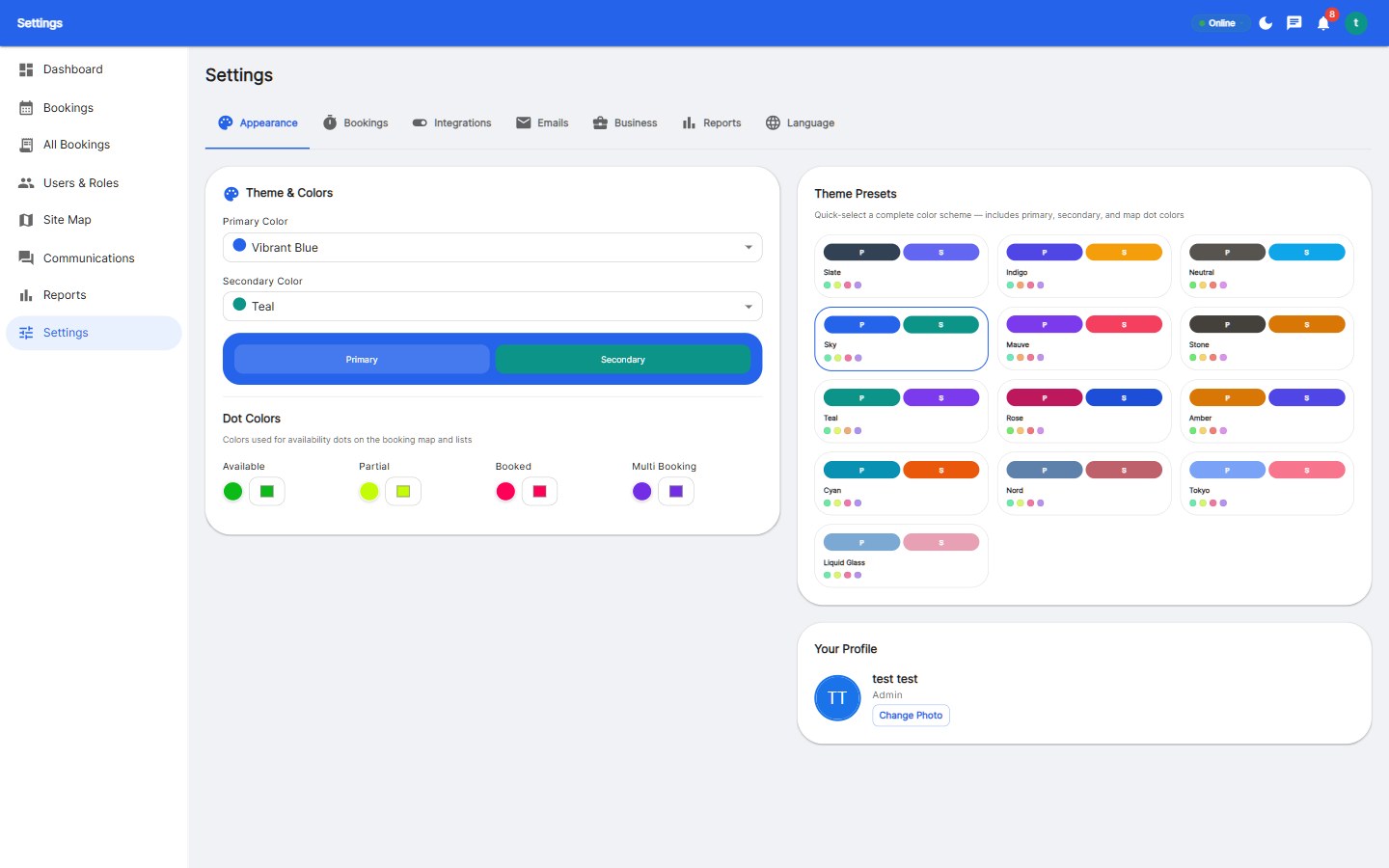
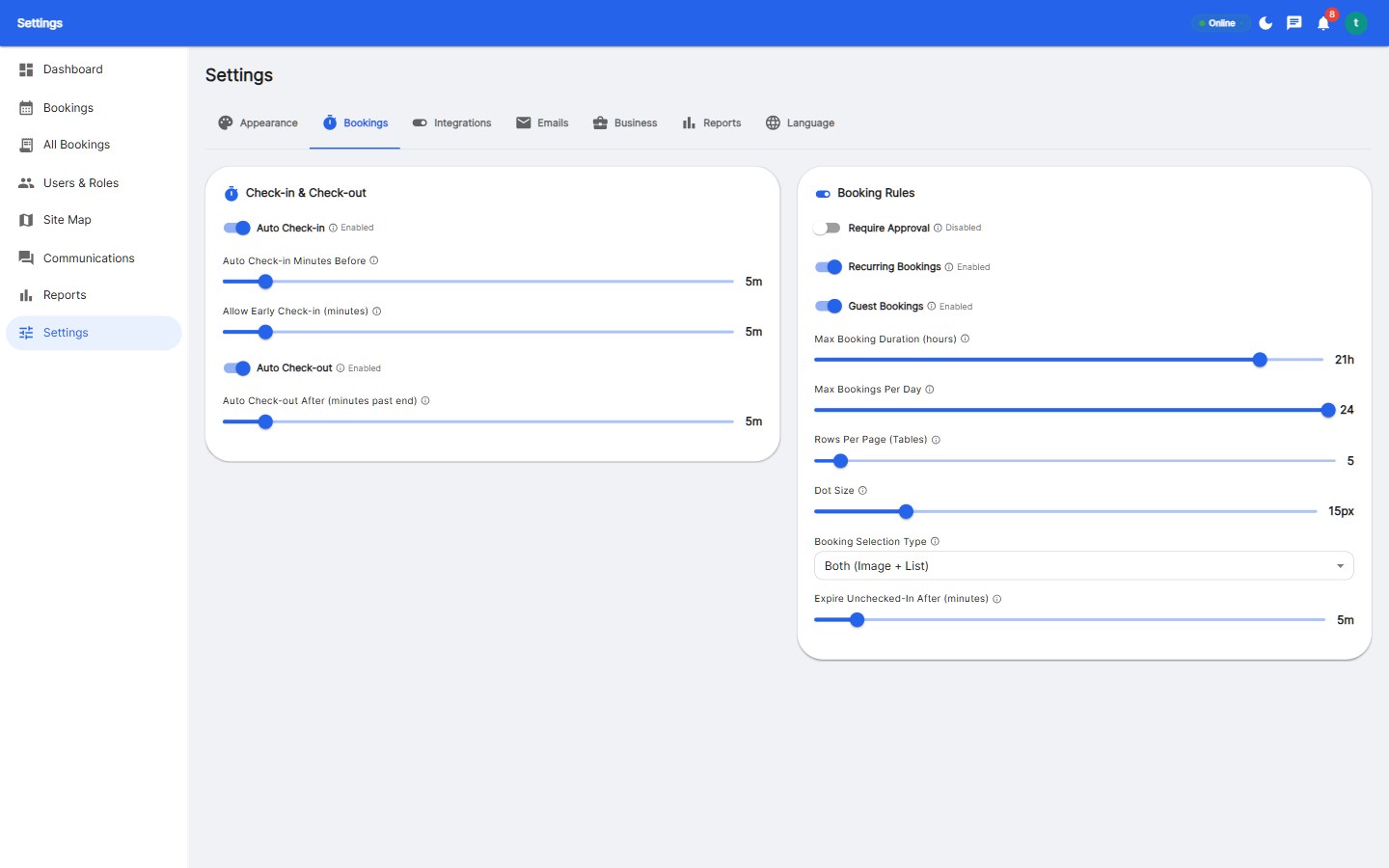
Software alone does not fix utilization; the rules you configure do. These five matter most:
| Rule | Recommended starting point | What it fixes |
|---|---|---|
| Booking window | 14 days ahead | Stops speculative hoarding |
| Weekly limit | 5 days per person | Keeps access fair |
| Check-in grace period | 30 minutes | Recovers no-shows automatically |
| Anchor-day guarantee | Team zone held until 10:00 | Makes the commute worthwhile |
| Approval for premium desks | Only for rare assets | Prevents unfair grabs |
These terms overlap but describe different policies:
A hybrid office usually combines them: hot desking as the policy, desk booking as the mechanism, and hoteling for teams that need guaranteed space on anchor days.
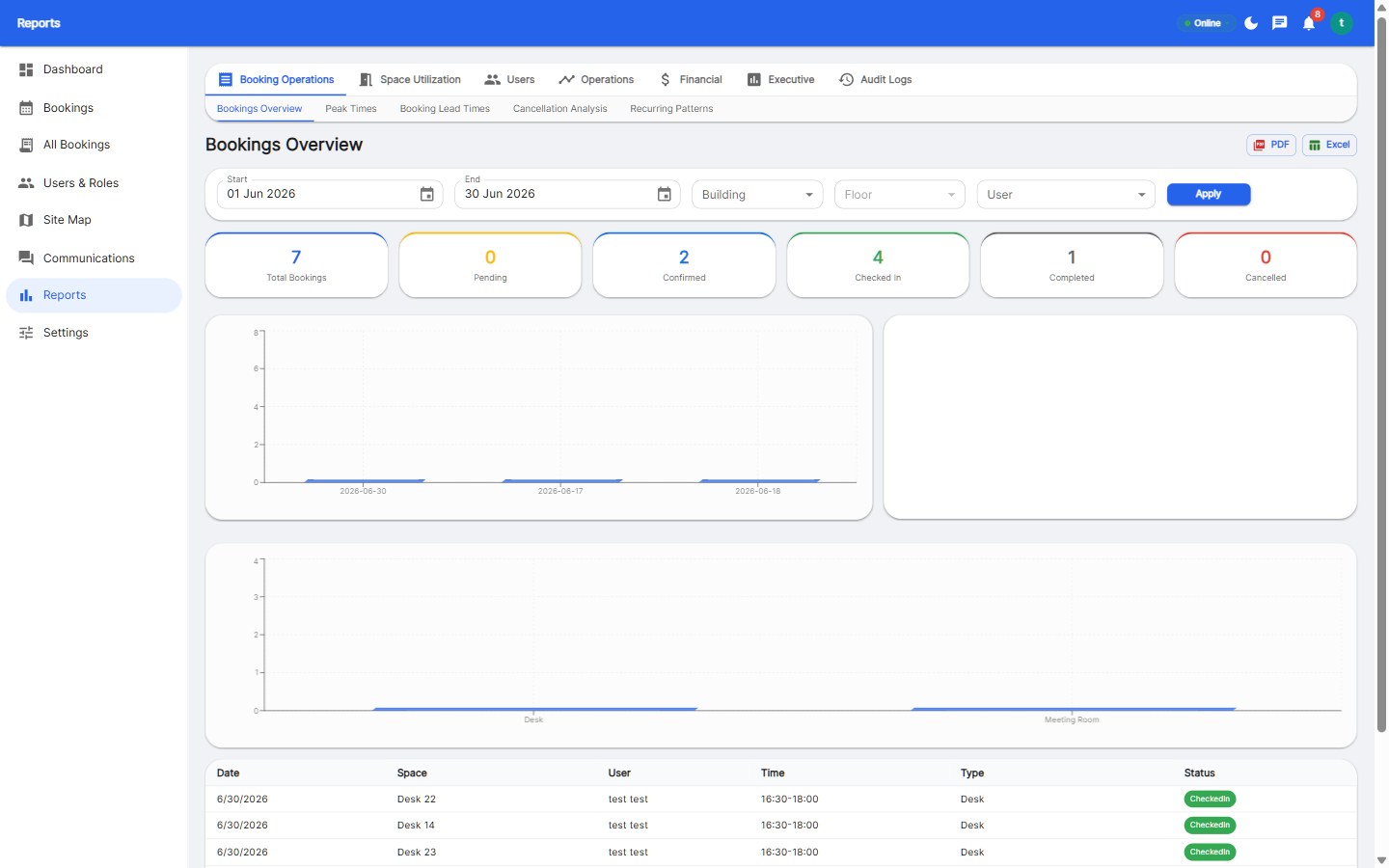
A healthy hybrid office in 2026 runs a no-show rate under about 10%, desk utilization between 60% and 75%, and lets employees book or cancel in a single tap. The platform should provide Reservete features such as interactive floor plans, meeting rooms and parking in one system, plus transparent pricing.
Desk booking is reserving a specific desk for a set period, typically a day, through software. It replaces permanently assigned seating so that hybrid teams can share desks efficiently and see live availability before travelling to the office.
Not quite. Hot desking is the policy of not assigning desks; desk booking is the mechanism used to allocate them fairly. Most hot desking offices rely on desk booking software.
Two weeks is a good default. It supports anchor-day planning without letting people reserve desks far into the future.
Most hybrid teams need 0.6 to 0.8 desks per employee. A 1:1 ratio is only justified when attendance is near-full or highly unpredictable.
Most platforms charge $2–$6 per user per month or roughly $15–$40 per desk per month, depending on whether you are billed per user or per bookable space. See our guide to desk booking software pricing.
Yes. Check-in rules with automatic release typically cut no-shows by roughly half within the first month, because unclaimed desks return to the pool instead of sitting idle.

Enterprise workspace management platform. Book desks, meeting rooms, and parking spots in seconds.
Get product updates and workspace tips.